
Get access to Google Ads, Analytics, and more - without client confusion
Onboard Google clients faster by collecting account access in one guided flow. No step-by-step emails. No screenshare calls. No shared passwords.


Getting Google account access is harder than it should be
If you've ever onboarded a client for Google Ads or Analytics, you know the pattern.
Clients don't know:
- Where to add an agency in Google Ads or Analytics
- Which Google account or profile they should be using
- What permissions you actually need
- How all Google services relate to each other
You end up sending long instructions, screenshots, or jumping on calls just to walk them through Google's UI - and onboarding stalls before campaigns even start.
How to explain Google account access to clients (in plain English)
Google doesn't have "one" place where access is granted.
Each Google service has its own permissions, which is why access often feels confusing - especially for non-technical clients.
Here's how we usually explain it to customers:
-
 Google Ads controls who can manage advertising campaigns
 -
 Google Analytics controls who can view and analyze website traffic
 -
 Google Tag Manager controls tracking and tag setup
 -
 Google Search Console controls site performance in Google Search
 -
 Google Merchant Center controls product data for Shopping ads
 -
 YouTube Studio controls access to a YouTube channel
 -
 Google Business Profile controls your business listing on Google
 -
 Looker Studio controls data visualization and reporting dashboards
 -
 Google Ads MCC controls management of multiple Google Ads accounts
Giving access to one service does not automatically grant access to the others.
That's why agencies often need access to multiple Google products at once.
AgencyAccess simplifies this by collecting access to all required Google services in one guided flow, so nothing is missed.
The manual way vs. a better way
The manual Google onboarding flow
- Explain where to grant access for each Google service
- Walk clients through different Google interfaces and menus
- Clarify roles and permissions repeatedly
- Follow up when one service is missed
It works - but it's slow, inconsistent, and painful to repeat.
The AgencyAccess way
AgencyAccess replaces this entire process with one onboarding link.
- You select which Google services you need.
- Clients follow a guided flow using Google's official OAuth permission screens.
- You instantly see what's connected — and what's missing — in one place.
No instructions. No screenshots. No back-and-forth.
Google services you can connect
AgencyAccess supports onboarding access to the following Google services:
Google Ads Google Ads MCC (Manager Account) Google Analytics Google Tag Manager Google Merchant Center Google Search Console YouTube Studio Google Business Profile Looker Studio Each service uses Google's official permission system and follows Google security standards.
How it works
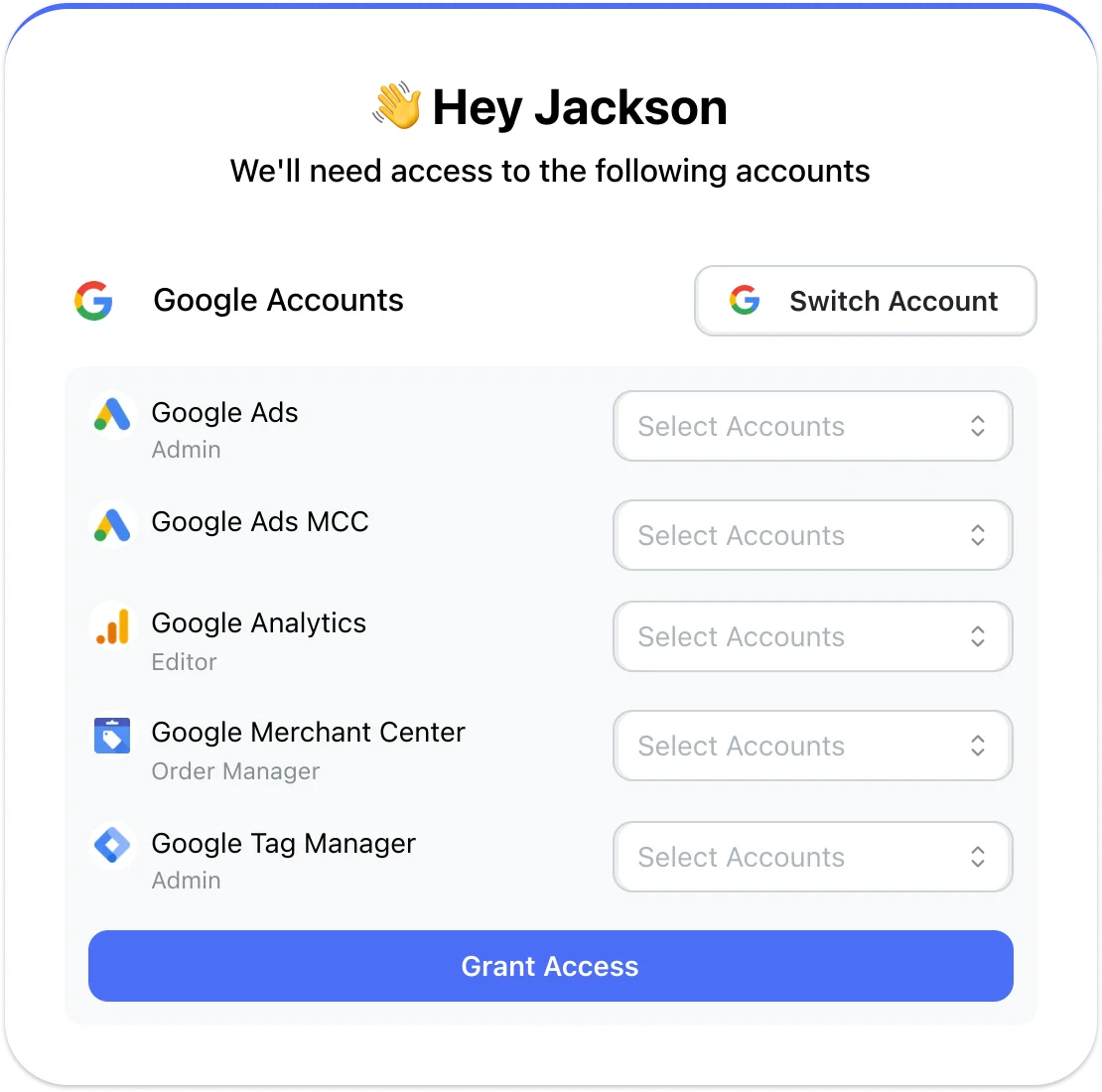
Choose Google services
Select the Google services you need access to.
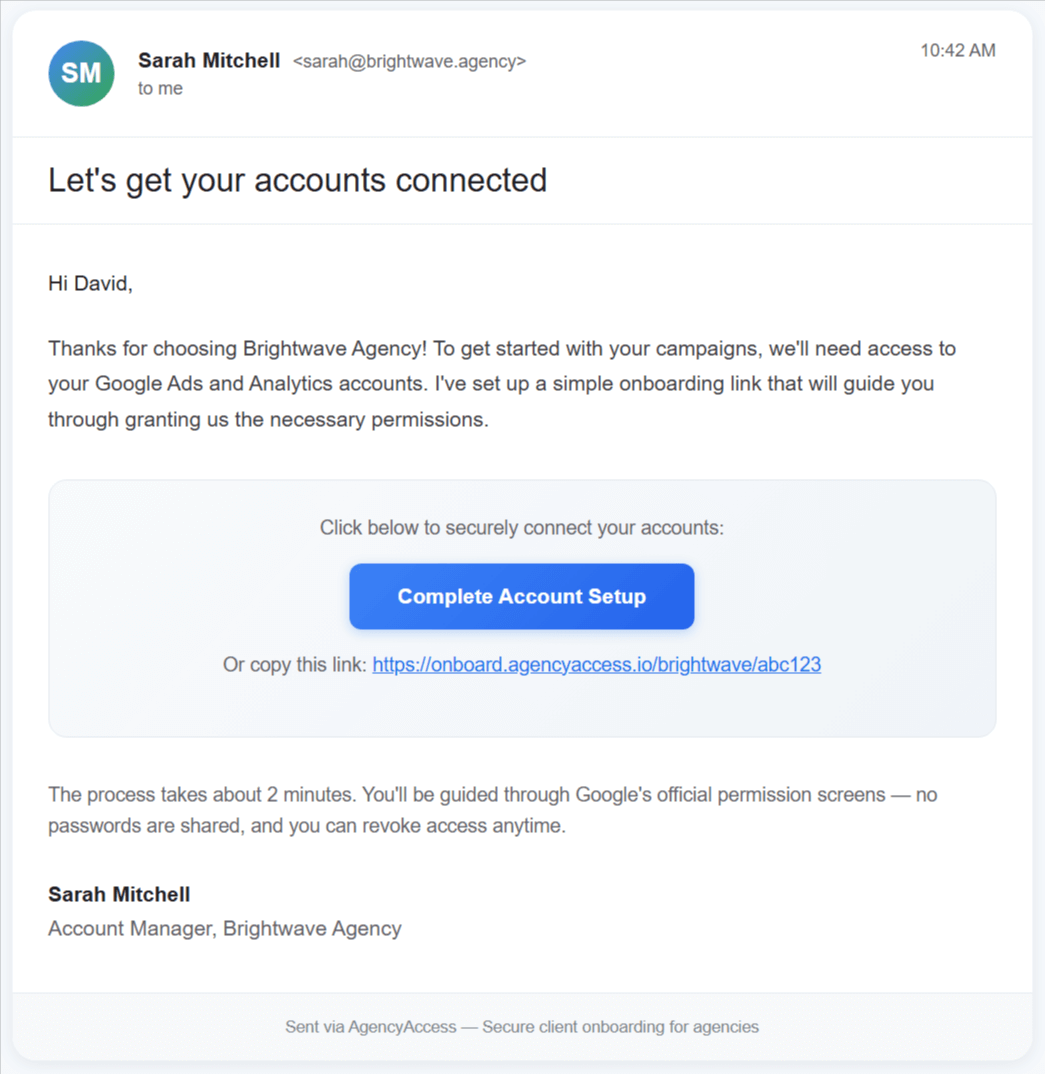
Send one onboarding link
Share it via email, CRM, or proposal tool.
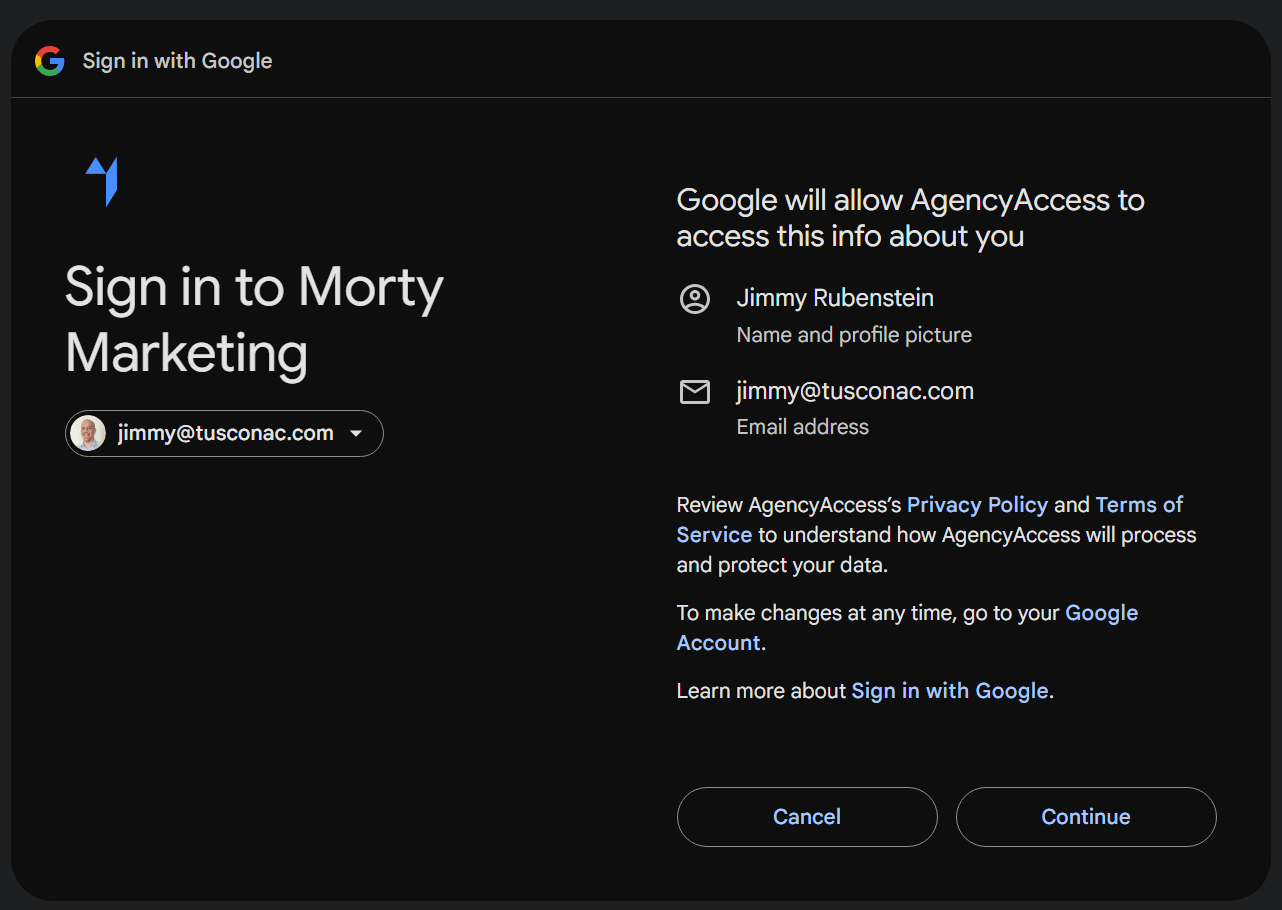
Access granted
Clients approve access using Google's native OAuth permission dialogs.
Works seamlessly with the rest of your onboarding
Google onboarding works together with:
Everything happens in one consistent client experience.
Used by SEO Agencies for Google Analytics and Search Console access and PPC Agencies for Google Ads account access to collect Google access without client confusion.
Trusted by 500+ agencies Agencies rely on AgencyAccess to simplify Google onboarding and launch faster.

Tom van Bodegraven
Teamlead SEA @ Endeavour
Google Ads access used to slow down every new client. Now we just send one link and everything is connected properly.

Ruben Runneboom
Co-founder @ Taskforce Agency
No more explaining Analytics, Tag Manager, or Search Console access. Clients complete setup correctly the first time.
Frequently asked questions
Does this replace Google Ads Manager (MCC) accounts?
What permissions do we get?
Is this secure?
Do we lose access if we cancel AgencyAccess?
Onboard Google clients without the hassle
Collect access to all required Google services in minutes - not days.