
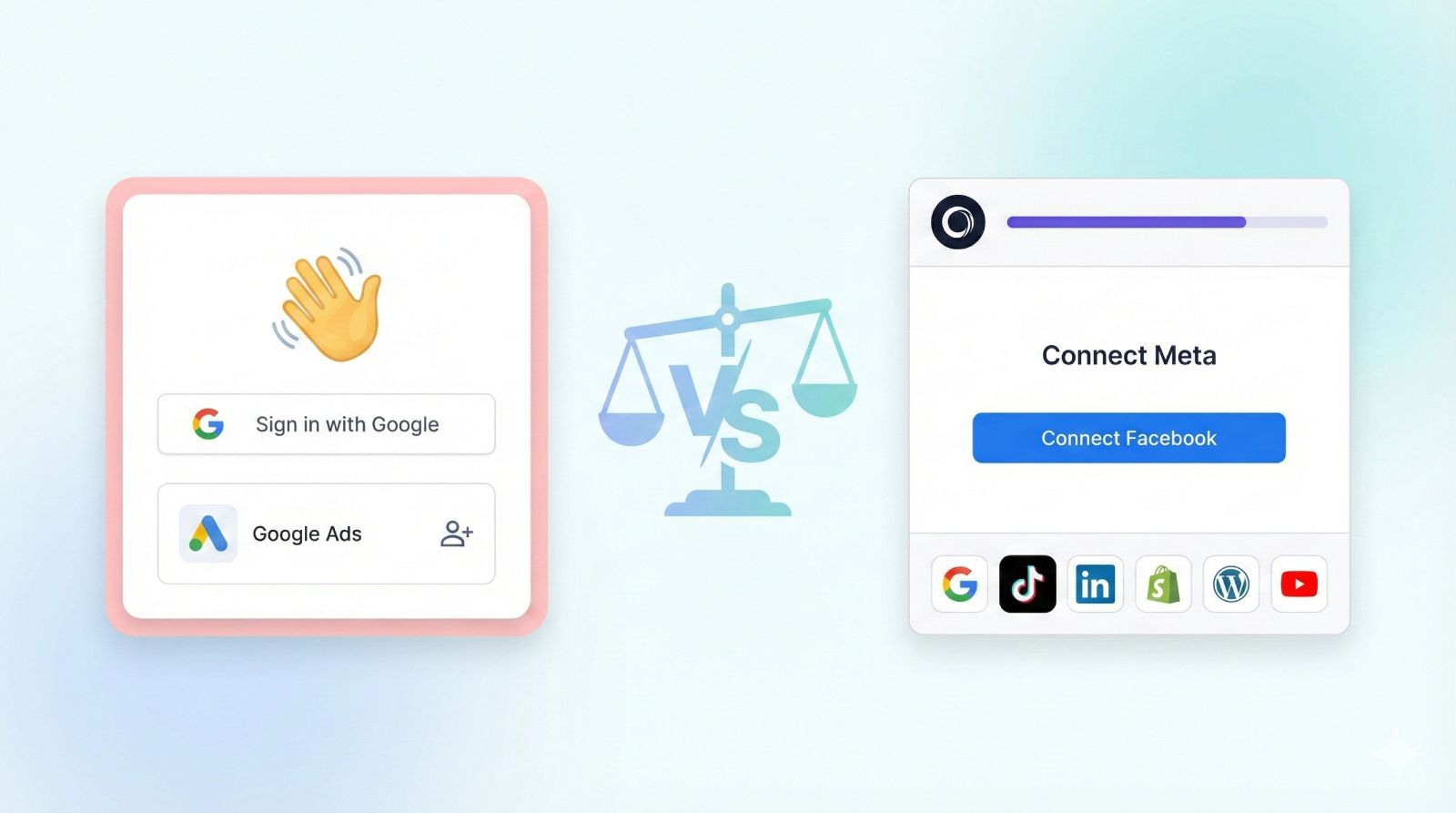
An honest comparison of the two leading tools for getting access to client ad accounts, analytics and social platforms.
If you run a marketing agency, you've probably spent hours chasing clients for access to their Google Ads, Meta Business Manager, or analytics accounts. Tools like AgencyAccess and Leadsie exist to solve this exact problem - send one link, get access to everything.
But which one is right for your agency?
This comparison breaks down the features, workflows and trade-offs so you can make an informed decision.
The Problem Both Tools Solve
Before comparing features, let's be clear about what we're solving.
Traditional client onboarding looks like this:
- You send instructions for Google Ads access
- Client gets confused, asks for a call
- You walk them through it on Zoom
- Repeat for Meta Business Manager
- Client can't find their Business Manager
- You send a Loom video
- They watch half of it
- Repeat for Analytics, Search Console,...
- Two weeks later, you're still missing access to their Pixel
Both AgencyAccess and Leadsie replace this problematic and user un-friendly process with a single branded link. Your client clicks it, follows guided prompts for each platform and you watch the access appear in your dashboard in real-time.
No PDFs. No Zoom calls. No "where do I click?" emails.
How Each Tool Works
AgencyAccess Workflow
- Create an onboarding template- Select which platforms you need (Google Ads, Meta, Shopify, etc.) and configure your branding
- Add intake questions- Optionally collect business information during the same flow (budgets, goals, URLs)
- Send your branded link- Via email, your CRM, or embedded on your website
- Client completes the flow- They see your branding and click through each platform's official OAuth screens
- Track progress in your dashboard- See what's connected, what's pending and follow up on what's missing
Leadsie Workflow
- Set up your access request- Choose platforms and add your logo
- Send your link- Share with clients via email or embed
- Client grants access- They authenticate with each platform
- Monitor in dashboard- Track completed connections
Both workflows are straightforward. The difference is in what happensaroundthe core access request.
Feature Comparison: Where They Differ
Intake Forms
This is where the two tools diverge most significantly.
AgencyAccesslets you build intake questions directly into your onboarding flow. While your client is already in "setup mode" connecting their accounts, you can collect:
- Monthly advertising budget
- Business goals and KPIs
- Target audience details
- Website and social URLs
- Competitor information
- Any custom questions specific to your agency
Example:A PPC agency might ask "What's your target cost per lead?" and "Which geographic regions do you want to target?" right after the client connects their Google Ads account. The client answers while the context is fresh and you have everything you need to start work immediately.
Leadsiefocuses purely on access collection. Intake happens separately - you'll need Typeform, Google Forms, your CRM, or another tool to gather client information before or after onboarding.
Why this matters:
Every additional step in onboarding creates friction. When access and intake are separate:
- Clients forget to complete the intake form
- Information arrives days after access
- You're chasing two things instead of one
Combining them means one link, one session, everything you need.
Branding & Client Experience
Both tools let you add your logo, but the depth of customization differs.
AgencyAccess branding options:
- Logo- Appears throughout the onboarding flow
- Colors and theme- Match your brand palette
- Custom wording- Change the copy clients see (headlines, instructions, button text)
- Custom subdomain- Clients see your-agency.agencyaccess.co instead of a generic URL
- Website embedding- Embed the onboarding flow directly on your site
Example:Instead of generic text like "Connect your Google Ads account," you could write "Let's get your campaigns live - connect Google Ads below" in your brand voice.
Leadsie branding options:
- Logo- Your logo on the onboarding page
- Brand colors- Primary color customization
- Website embedding- Embed on your own site
- Multi-brand support- Manage multiple brand identities (Pro plan)
Why this matters:
First impressions matter. Your onboarding flow might be the first interaction a new client has with your agency after signing. A polished, branded experience signals professionalism. A generic-looking tool with someone else's branding doesn't.
Handling Edge Cases
What happens when things don't go smoothly?
Client doesn't have a Meta Business Manager:
Both tools can handle this. AgencyAccess and Leadsie can help create a Business Manager for clients who don't have one set up, so you're not stuck waiting for them to figure it out alone.
Client gets stuck:
- AgencyAccess provides step-by-step guides for common issues
- Leadsie offers support for clients directly (Pro plan)
Team collaboration:
- AgencyAccess: Up to 3 team members (Starter), 10 (Premium), or unlimited (Agency)
- Leadsie: Team access on Agency and Pro plans
Integrations
Both tools cover the platforms agencies actually use. Here's the full breakdown:
Google Ecosystem | Platform | AgencyAccess | Leadsie |
|----------|--------------|---------| | Google Ads | ✅ | ✅ | | Google Analytics | ✅ | ✅ | | Google Search Console | ✅ | ✅ | | Google Tag Manager | ✅ | ✅ | | Google Merchant Center | ✅ | ✅ | | Google Business Profile | ✅ | ✅ |
| YouTube Studio | ✅ | ✅ | ### Meta Ecosystem | Platform | AgencyAccess | Leadsie | |----------|--------------|---------| | Meta Business Manager | ✅ | ✅ | | Facebook Pages | ✅ | ✅ | | Facebook Ad Account | ✅ | ✅ | | Instagram | ✅ | ✅ |
| Meta Pixel | ✅ | ✅ | ### Other Ad Platforms | Platform | AgencyAccess | Leadsie | |----------|--------------|---------| | | ✅ | ✅ | | LinkedIn | ✅ | ✅ | | Pinterest | ✅ | ✅ | | Snapchat | ✅ | ✅ | | Microsoft Ads | ✅ | ✅ |
| Twitter/X | ✅ | ✅ | ### Ecommerce & Other | Platform | AgencyAccess | Leadsie | |----------|--------------|---------| | Shopify | ✅ | ✅ | | HubSpot | ✅ | ✅ | | Klaviyo | ✅ | ✅ | | Mailchimp | ✅ | ✅ | | WordPress | ✅ | ❓ | | Stripe | ✅ | ❓ |
Verdict:For the major platforms agencies use daily, both tools have you covered. AgencyAccess lists 25+ integrations; Leadsie has around 20. If you need a specific niche platform, check each tool's integrations page.
Automation & Workflows
What happens after a client completes onboarding?
AgencyAccess:
- Zapier integration (connects to 7,000+ apps)
- Trigger workflows when onboarding completes
- Auto-notify your team, update your CRM, create tasks
Leadsie:
- Zapier integration
- Native GoHighLevel integration
- Webhook support
If GoHighLevel is your CRM, Leadsie's native integration might save you some setup time. Otherwise, both tools connect to your stack through Zapier.
Security & Access
Both tools prioritize security:
- No passwords stored- Clients authenticate directly with each platform using OAuth
- Official APIs- Uses each platform's approved permission system
- You keep access if you cancel- Permissions live inside the platforms (Google, Meta, etc.), not inside the tool. Cancelling either tool doesn't revoke your client access.
- GDPR compliant- Data handling meets European privacy standards
Who Uses Each Tool?
AgencyAccess:500+ agencies, primarily small to mid-size marketing agencies and freelancers. Newer to market but growing.
Leadsie:1,000+ agencies. More established, with a larger content/SEO presence. You've probably seen their blog posts ranking for "how to give access to Meta Business Manager."
Pricing
Now let's talk cost.
AgencyAccess Pricing
| Plan | Monthly | Annual (25% off) | Key Limits |
|---|---|---|---|
| Starter | $44/mo | $33/mo | 5 invites, 3 team members |
| Premium | $99/mo | $74/mo | Unlimited invites, 10 team members |
| Agency | $199/mo | $149/mo | Unlimited everything, multi-brand |
- 30-day free trial, no credit card required
- Simple invite-based model - no per-client fees or overages
Leadsie Pricing
| Plan | Price | Credits/Month | Overage |
|---|---|---|---|
| Starter | $49/mo | 3 clients | $30 for 3 more |
| Agency | $99/mo | 10 clients | $30 for 5 more |
| Pro | $249/mo | 30 clients | $30 for 10 more |
- 14-day free trial
- Credit-based model - each new client uses one credit
- Unused credits roll over to next month
What This Means in Practice
Predictable months:If you onboard roughly the same number of clients each month and stay within your credit limit, Leadsie's pricing works fine.
Variable months:If you land a big contract and suddenly onboard 15 clients in one month, AgencyAccess's unlimited invites (Premium plan) means no surprise fees. With Leadsie, you'd pay overages.
Annual commitment:AgencyAccess offers 25% off for annual billing. Leadsie doesn't offer an annual discount.
Quick Comparison Summary
| AgencyAccess | Leadsie | |
|---|---|---|
| Intake forms | ✅ Built-in | ❌ Separate tool needed |
| Branding depth | Full (colors, wording, subdomain) | Logo + colors |
| Integrations | 25+ | ~20 |
| Pricing model | Flat rate / invite-based | Credit-based + overages |
| Trial length | 30 days | 14 days |
| Annual discount | 25% | None |
| Auto-create Business Manager | ✅ | ✅ |
| Zapier | ✅ | ✅ |
| GoHighLevel native | ❌ | ✅ |
| Rollover credits | N/A (unlimited on paid plans) | ✅ |
Who Should Choose AgencyAccess?
AgencyAccess is the better fit if you:
- Want to collect client informationandaccess in one flow
- Value deep branding customization
- Prefer predictable pricing without per-client fees
- Are a smaller agency or freelancer looking for the best value
- Want more time to evaluate (30-day vs 14-day trial)
Who Should Choose Leadsie?
Leadsie is the better fit if you:
- Already use it and it's working well
- Need native GoHighLevel integration
- Prefer rollover credits for variable onboarding volume
- Value a more established brand with a longer track record
The Bottom Line
Both tools solve the client access problem well. You won't go wrong with either.
The main differences:
- AgencyAccess includes intake forms- one link for accessandinformation gathering
- AgencyAccess offers deeper branding- customize the entire client experience
- AgencyAccess has simpler pricing- no credits, no overages on higher plans
- Leadsie is more established- larger user base and more content/SEO presence
- Leadsie has native GoHighLevel integration- matters if that's your CRM
If you're choosing for the first time, AgencyAccess offers more functionality at a better price point. If you're already on Leadsie and happy, switching may not be worth the hassle.